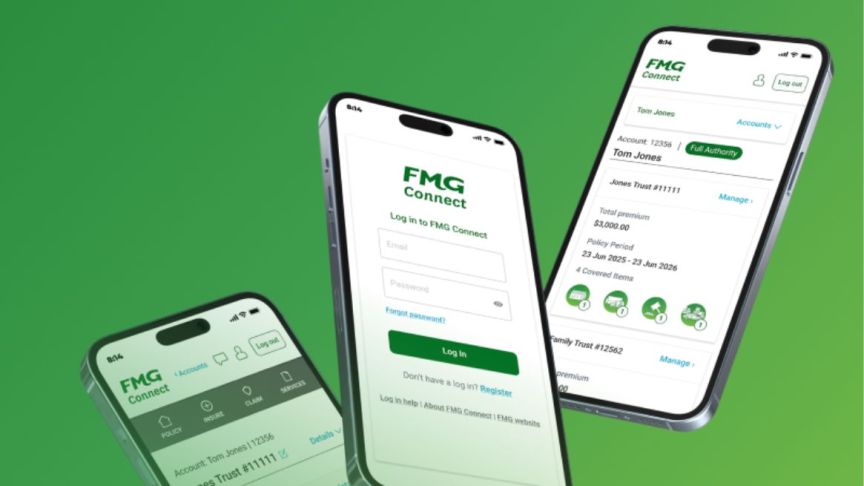
From September 2026, we’re introducing an extra security step when you log into FMG Connect. Multi-factor authentication (MFA) helps to protect you, your information, and FMG from increasing cyber security risks.
MFA is a widely used online security measure. It adds a quick check to confirm it’s really you before giving access to your account.
What you’ll need to do
- Log into FMG Connect as usual.
- When prompted, ask for a verification email.
- Open the email sent to your FMG Connect login email address.
- Select the secure link or enter the one-time code in FMG Connect.
Once you’ve completed the check, you can use FMG Connect as usual. You’ll need to authenticate each time you log in.
Your email address
Make sure you can access the email address you use to log into FMG Connect. If you need to update it, call us on 0800 366 466.
For step-by-step guidance and troubleshooting, visit our FMG Connect help page.

